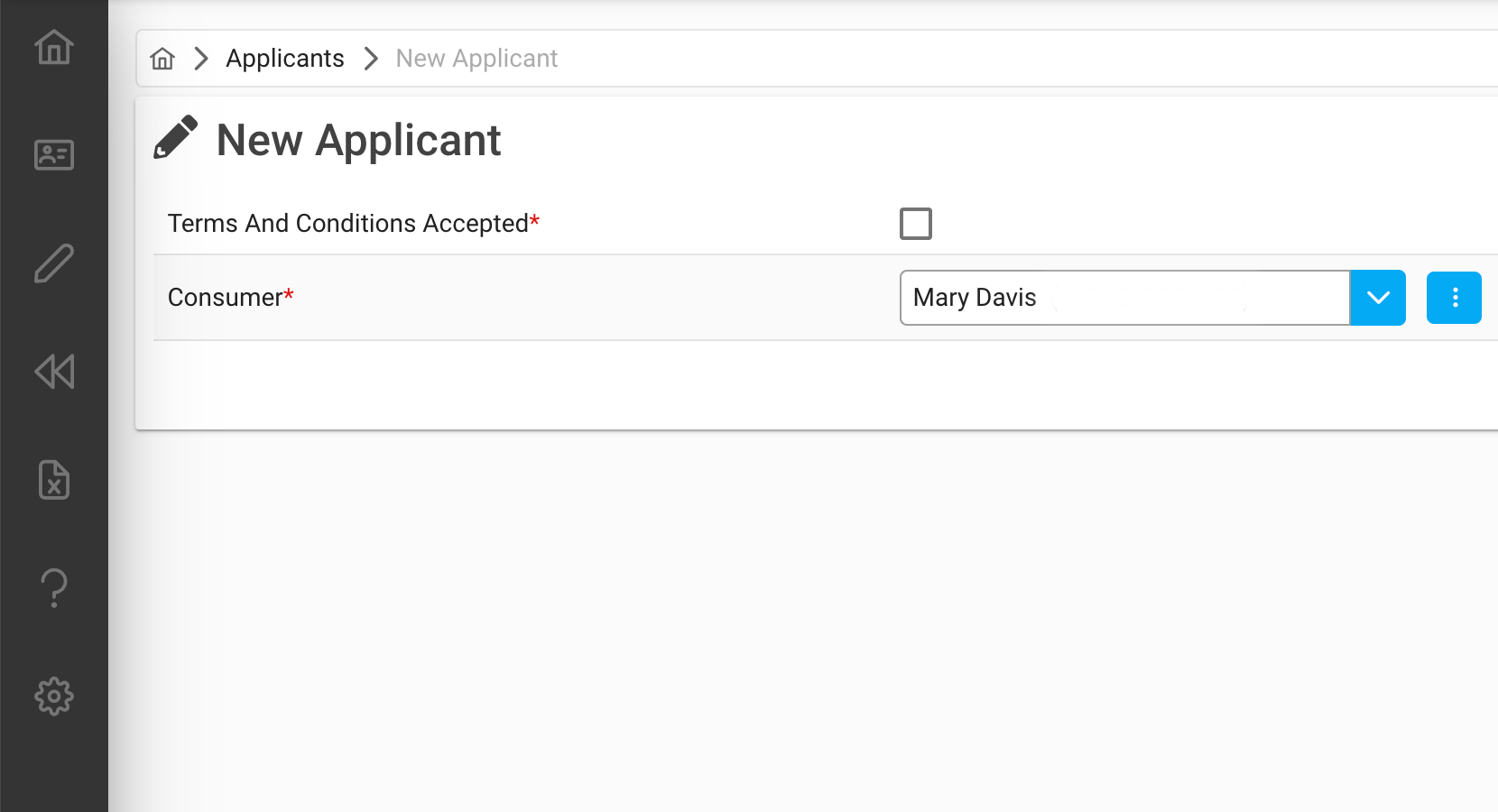
*Please note: The information displayed in the example, is provided for demonstration purposes only, and does not reflect actual data.
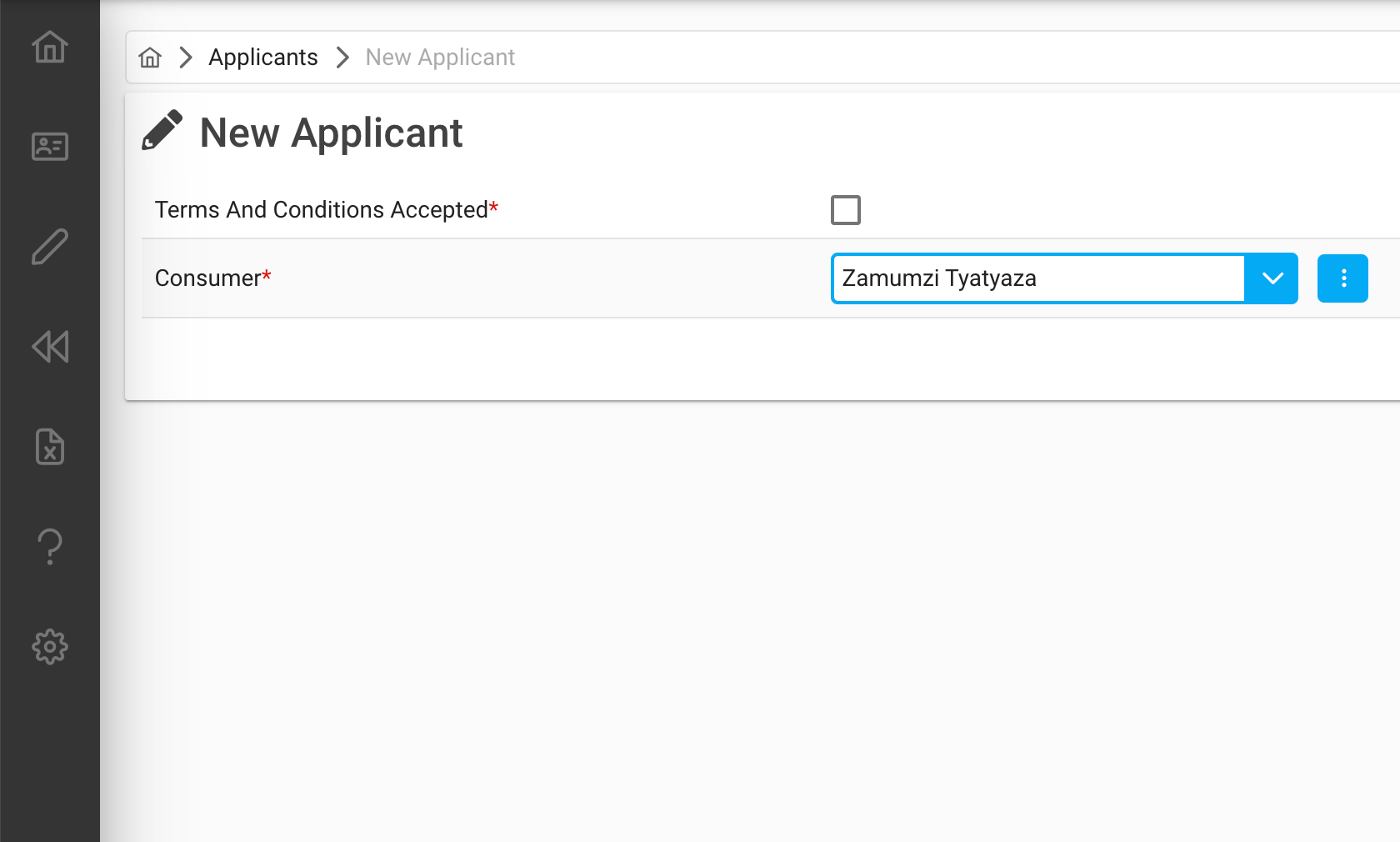
- To find the record you are looking for, start by typing in the drop-down list field.
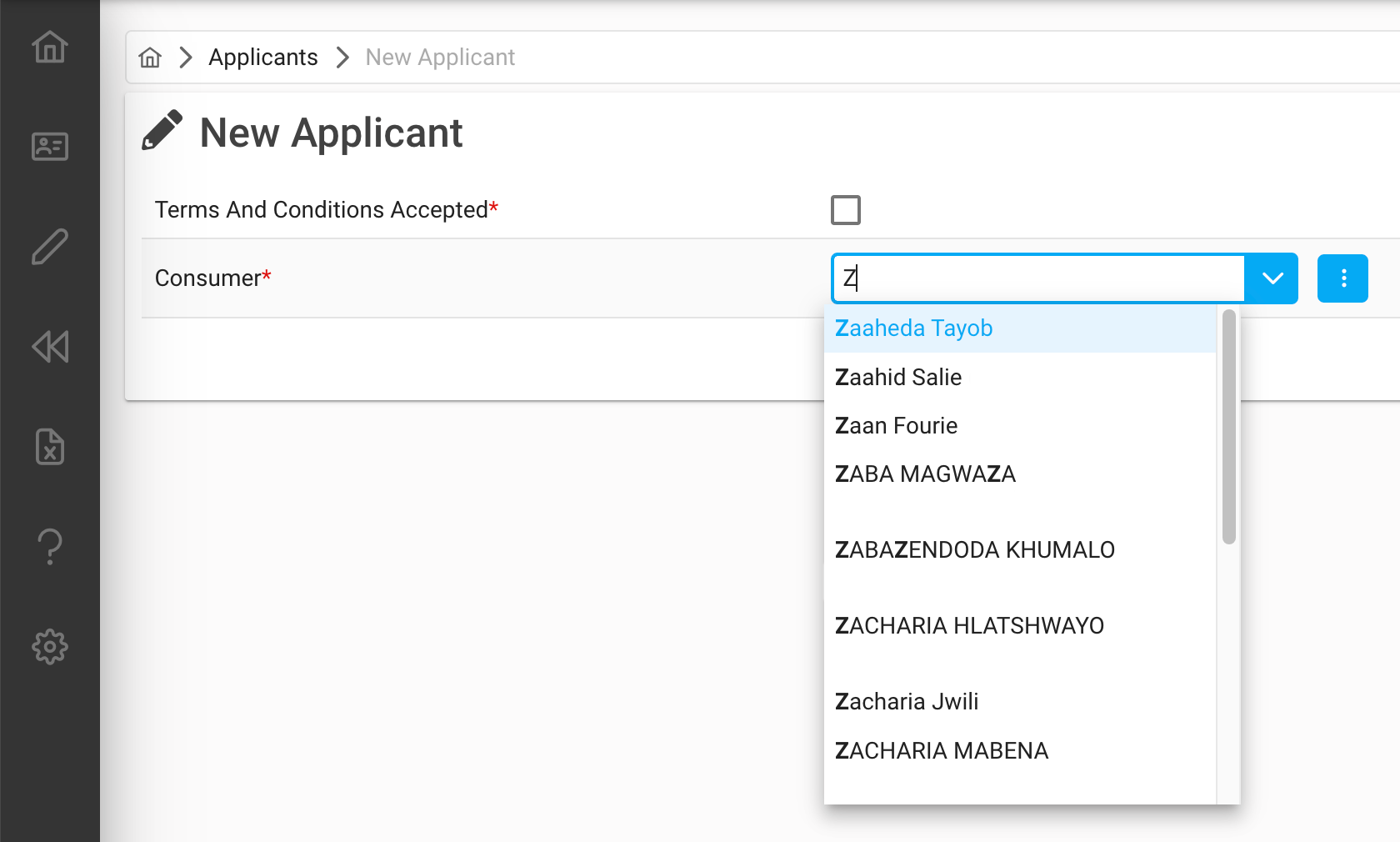
- As soon as you start typing in characters, a lookup will return results, matching your typed in characters.
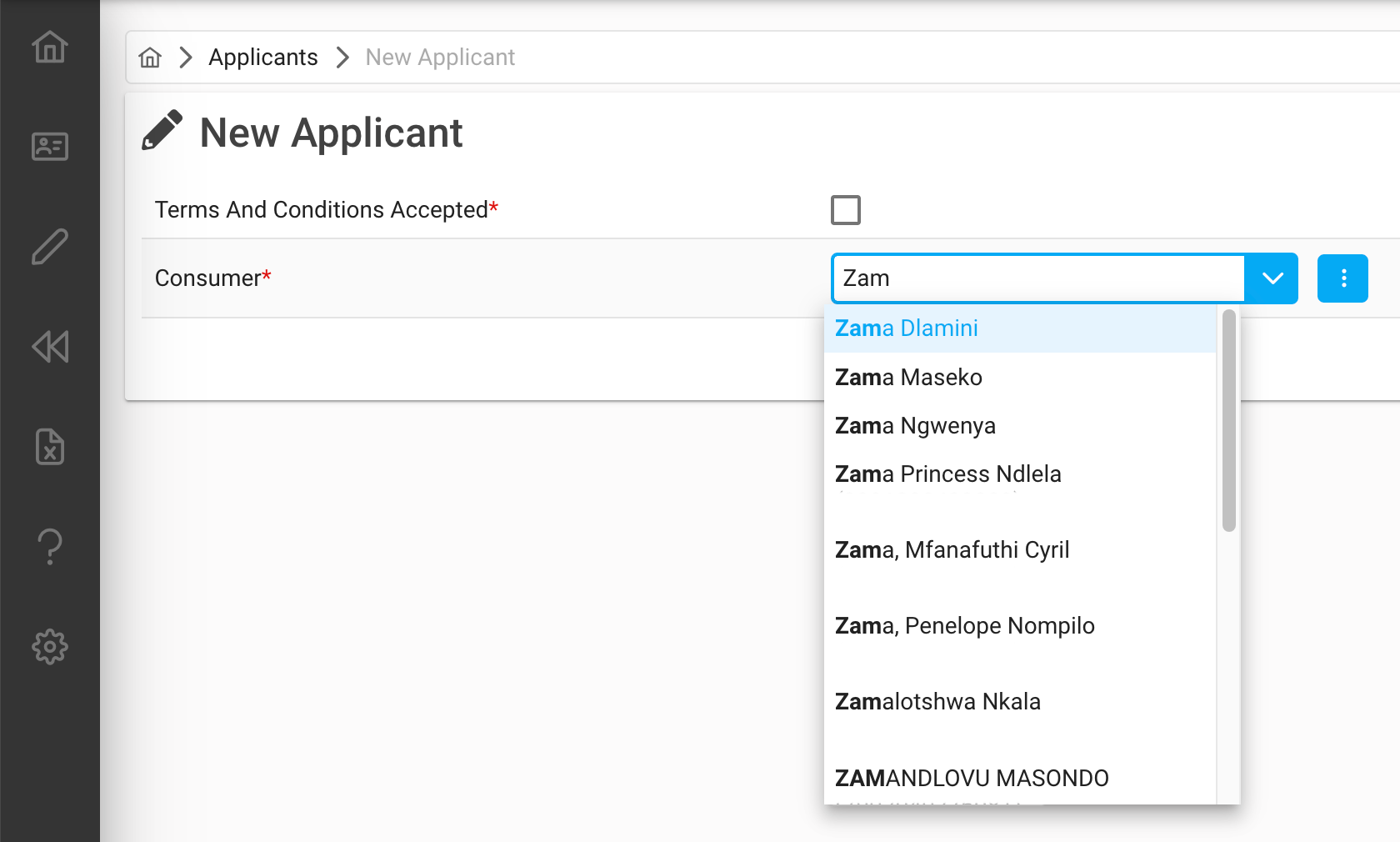
- Only the first few options will be shown in the list. If your record is not there, please type in more characters to refine your list to choose from.
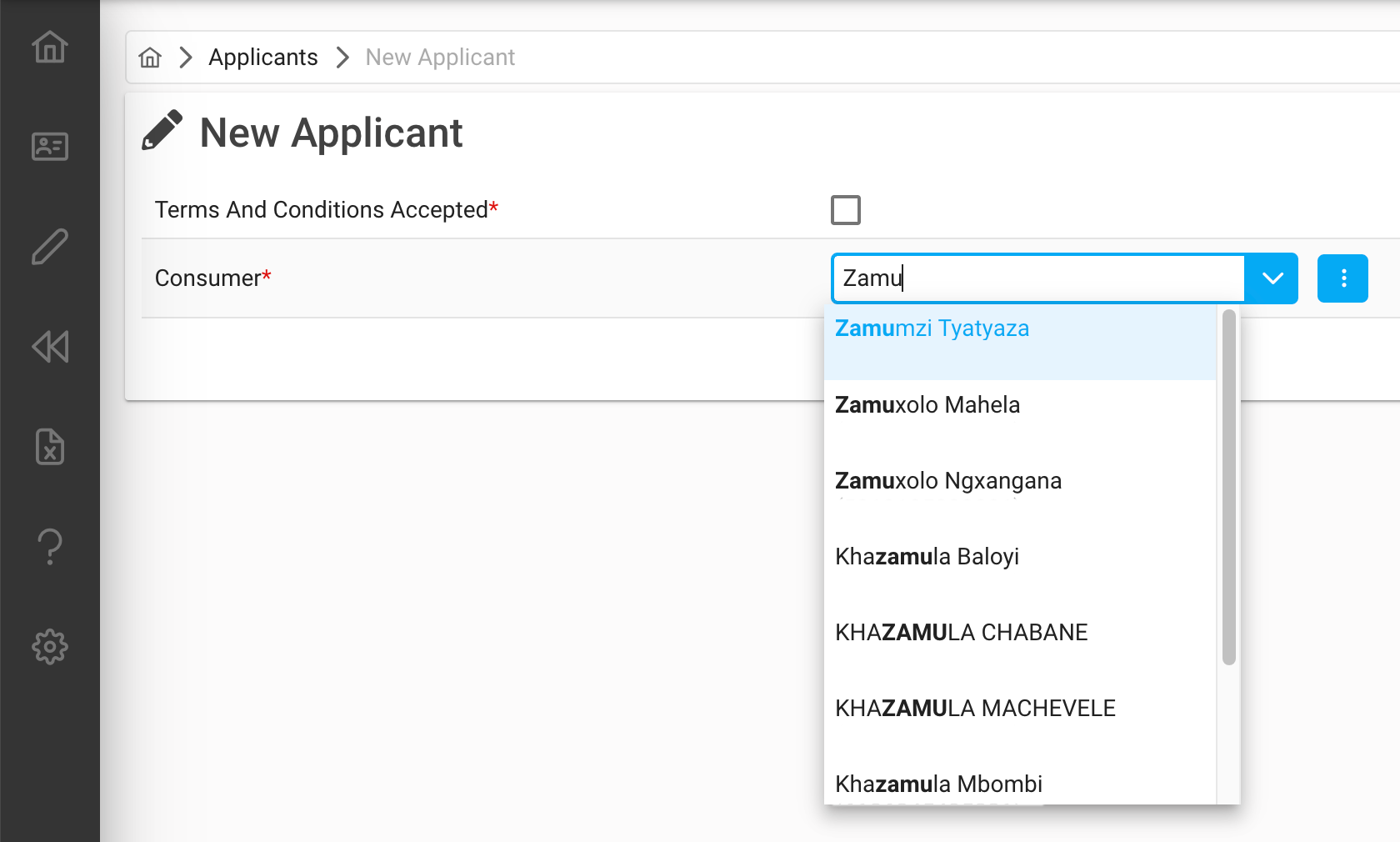
- When your record appears, select it from the drop-down list, by clicking on it.
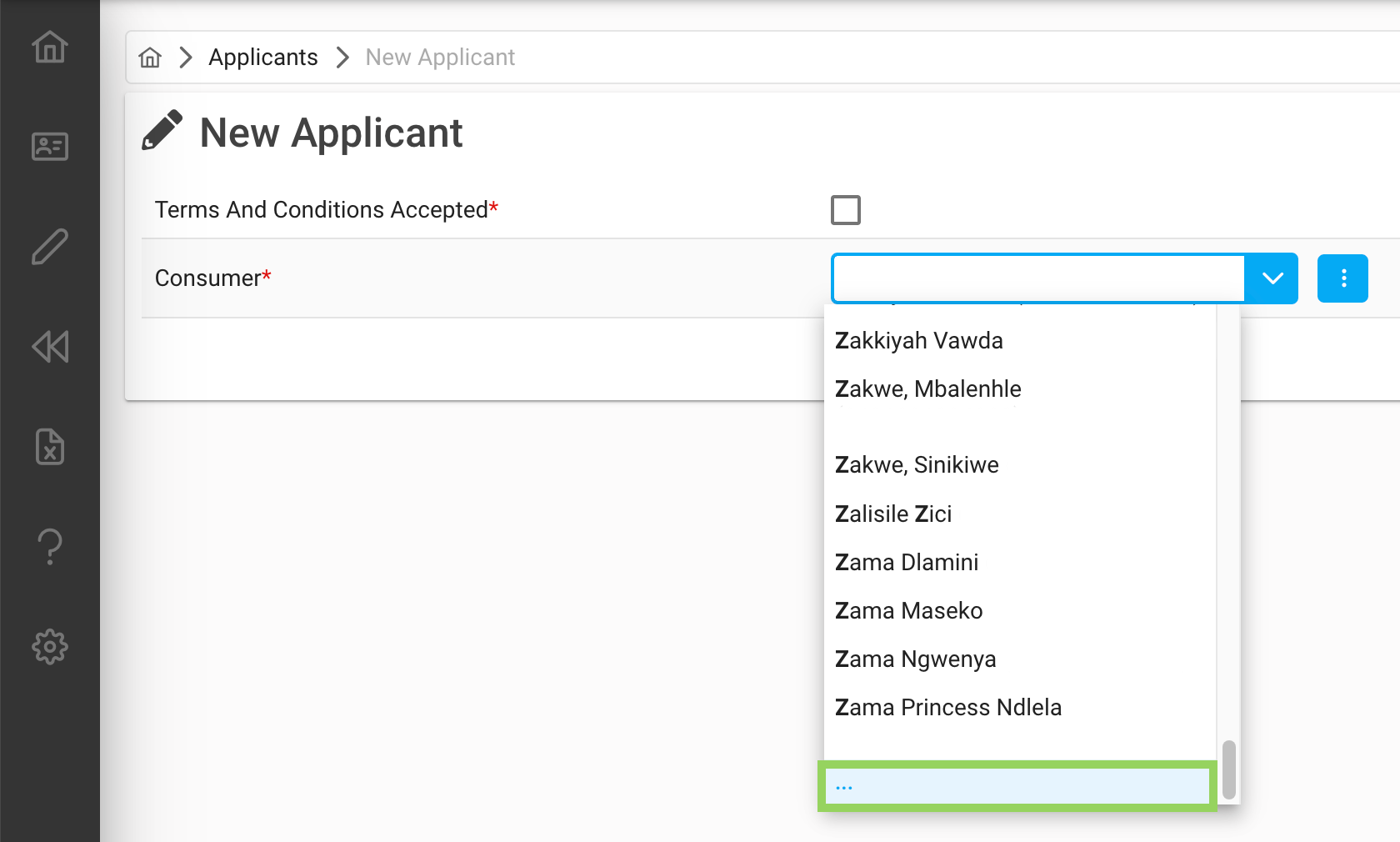
- Additionally: You can also make use of the scrollbar, inside the drop-down field. When you scroll down to the bottom, there are three dots (…).
- The three dots (…) indicate there are more results to be loaded. When you click on the dots (...), a longer list, with more options will be displayed.
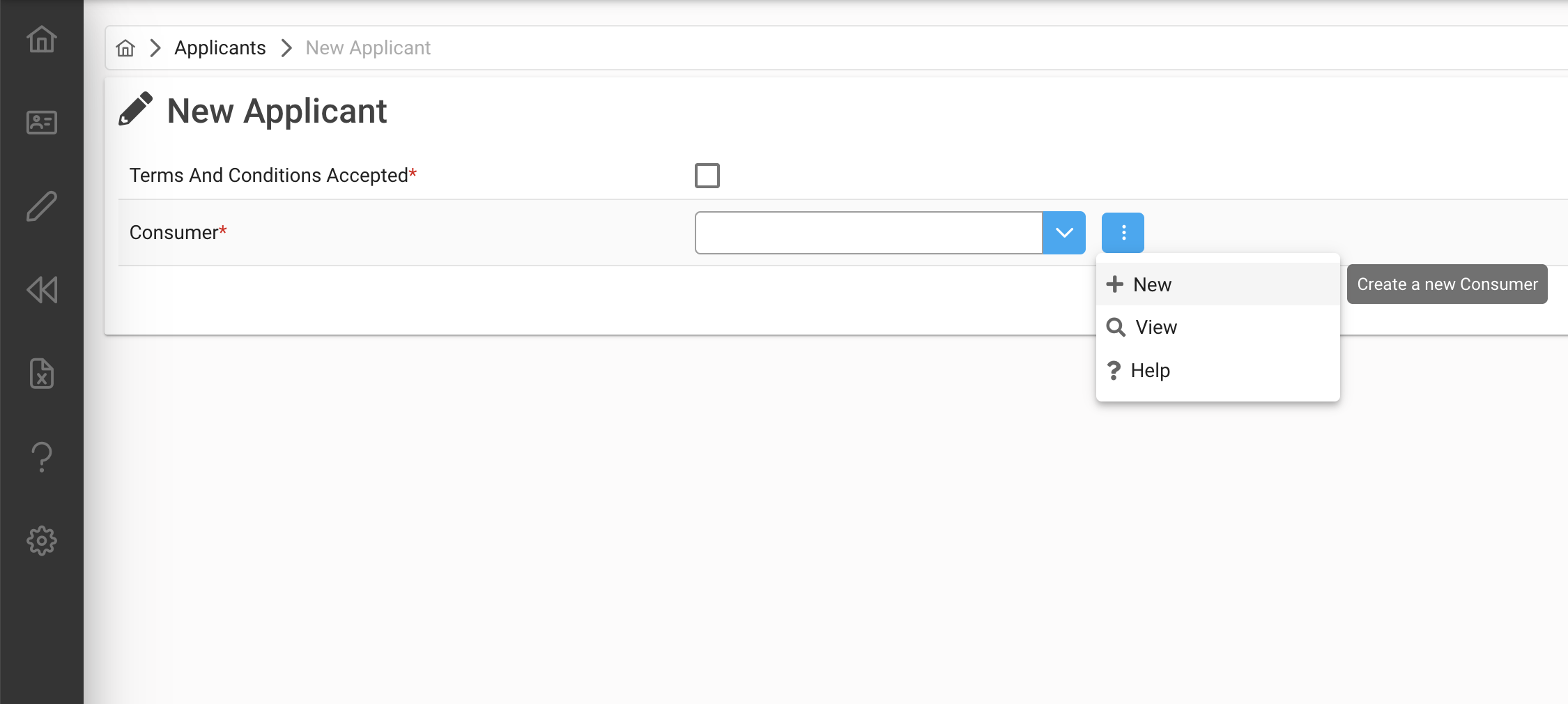
If you do not want to select an existing record, but want to create a new record, click on the blue button with the three dots (...) inside, then click on "+ New", to create your new record.
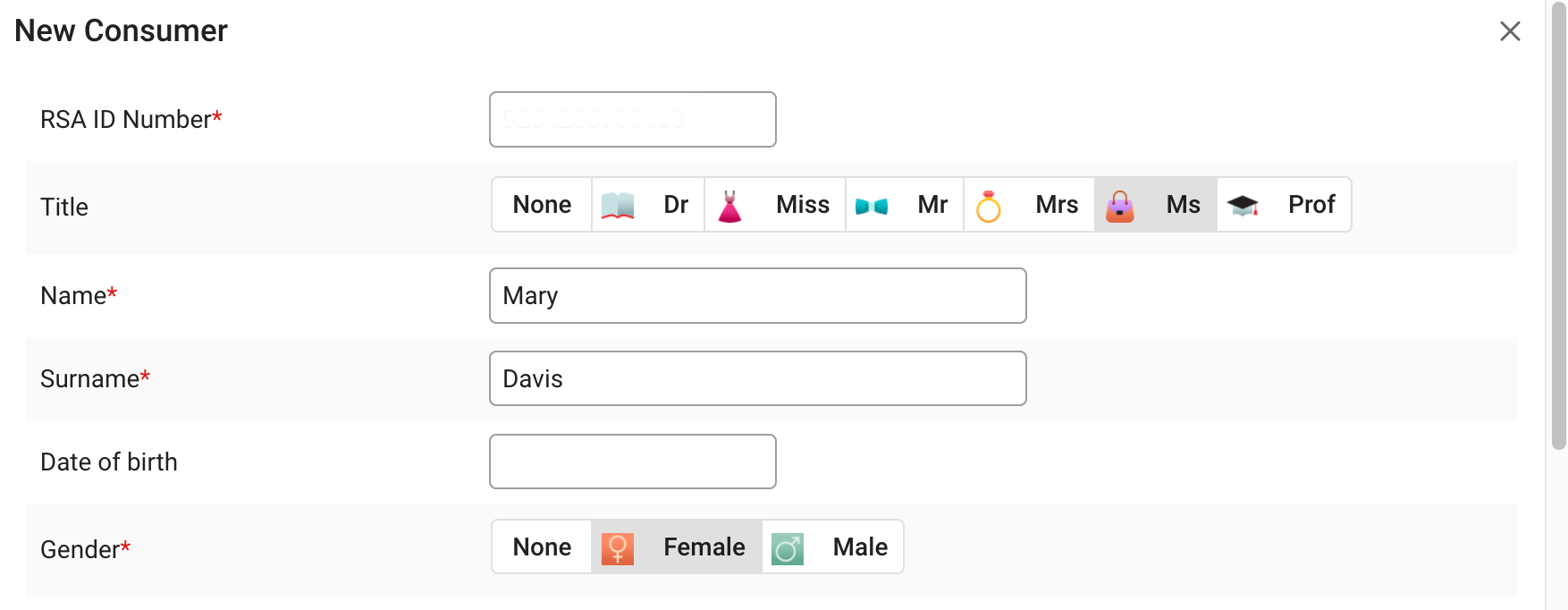
- Fill out all the relevant information, for the new record and save.
- After saving the new record, the record will automatically display in the drop-down field.